
You shipped something, it works, and you're proud of it. Then you hold it up next to a real product and something feels... off. You can't name it, but you can feel it. It looks like it was made with AI.
The code is fine. What makes it look off is the defaults you never changed. Every AI tool ships you the same starting point, and if you don't touch it, your app wears the same uniform as ten thousand other weekend builds.
Taste isn't a gift. It's just noticing the defaults and overriding them. Here's the checklist I run.
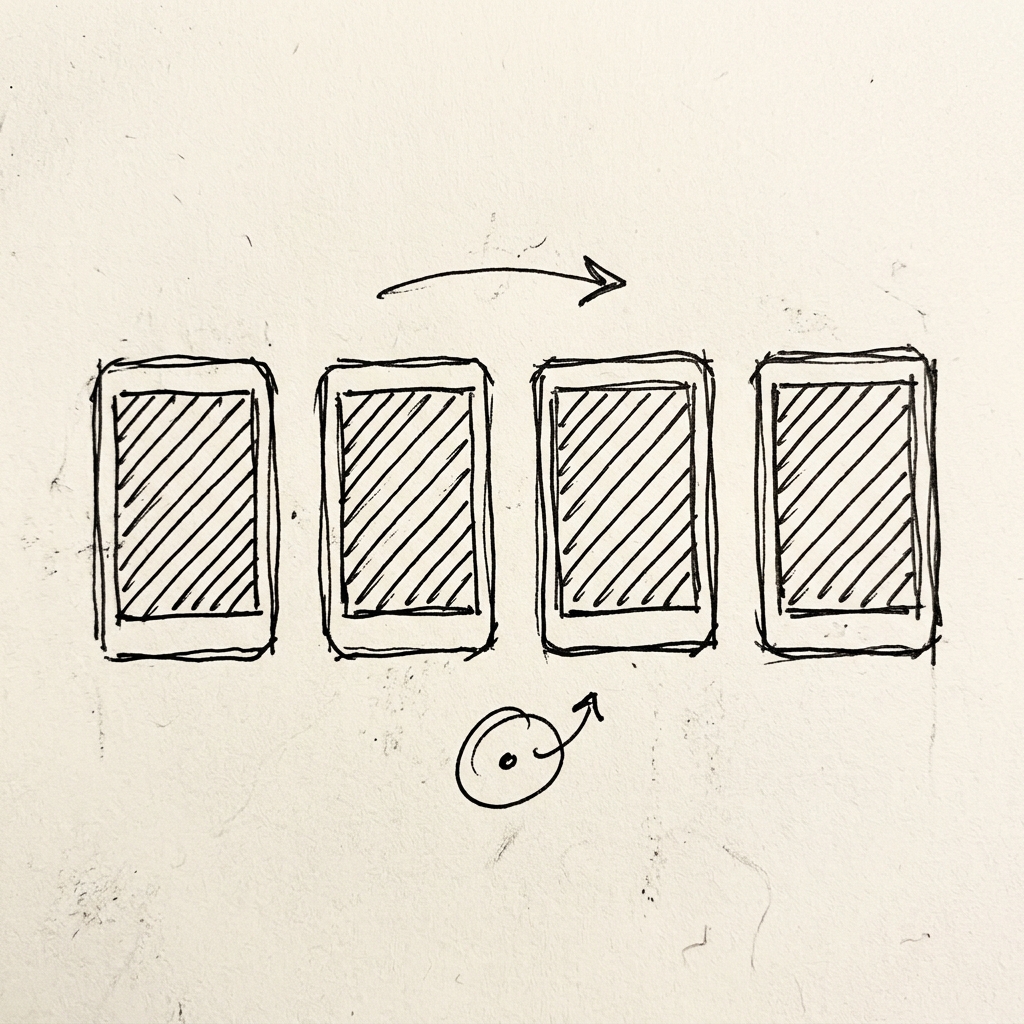
1. Kill the gradient hero
The purple-to-blue gradient is the unofficial "made with AI" flag. It's the first thing people clock. Pick one real brand colour and commit to it. A flat background with one good accent beats a gradient every time.
2. Emoji are not icons
A 🚀 in your nav bar is a tell. Grab a real icon set (Lucide, Heroicons, whatever) and use it consistently. Same weight, same size, same family. The consistency is the whole point.
3. Stop centring everything
The default vibe-coded layout is one column, everything stacked and centred, floating in the middle of the screen. Real apps have layout: a grid, things that align to an edge, body text that's left-aligned so people can actually read it. Give it structure.
4. One font, one weight = no hierarchy
If everything is Inter at the same size and weight, the eye has nowhere to land. You don't need five fonts. You need contrast: a big bold thing, a quiet small thing, and a clear gap between them. Optionally one font with a bit of character for headings. That alone does a lot.
5. Design the empty state and the loading state
This is the big one. Your app looks great in the demo because the demo is full of perfect data. The spell breaks the second it's real: a blank screen, a spinner that never resolves, a list with nothing in it. Real products design the zero state. What does someone see before they've done anything? Fix that and you jump a tier.
6. The AI hero image is showing
Wonky hands. Six-fingered children. That specific plasticky AI sheen. People recognise it instantly now. Either use real photography, skip the image entirely, or generate with actual guardrails.
(When I made the classroom photos for NudgeCue I wrote rules into every prompt: no screens or devices, blank whiteboards, and hard limits on anatomy so I'd never get a kid with the wrong number of fingers. The guardrails are the work.)
7. Let it breathe
Default spacing is either cramped or weirdly uniform, everything the same distance from everything else. Pick a rhythm. Give important things room. White space reads as confidence; it tells people you decided what matters.
8. Write the microcopy like a person
"Submit." "Error." "No data found." That's placeholder voice, and it leaks. Write your buttons and your empty states the way you'd actually say them. One voice, all the way through. This is free and almost nobody does it.
The secret weapon: one detail that's obviously hand-made
One move does more than all of the above combined. Add one small thing that no default would ever give you, something a human clearly built on purpose.
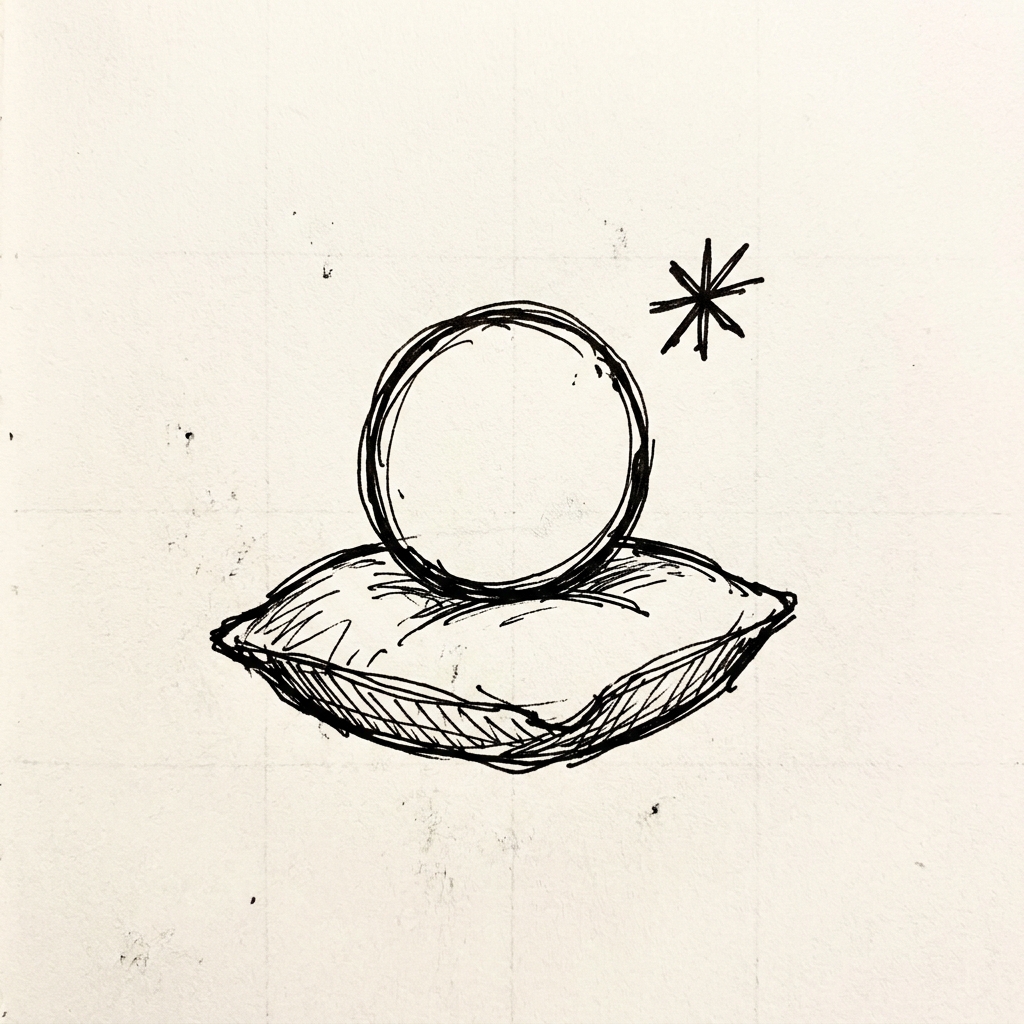
In NudgeCue the student avatars sit on little CSS oval cushions I made by hand. Nobody would miss it if it weren't there, but it's the kind of detail an AI starter template would never produce, and the moment someone notices it, the whole app reads as made by a person who cared.
You don't need a hundred of these. You need one.
None of this is about being a designer. It's about spending the last 20% that everyone else skips. The defaults get you to "it works." Overriding them gets you to "this looks real." That gap is smaller than it feels. It's just the part nobody tells you to do.